Free · No account · Runs in your browser
Set up Linux, and see how it's done.
Pick your distro and apps, and watch your install script write itself, explained line by line. Run it when you're ready, and undo it any time.
Works on Kubuntu 26.04, Ubuntu 26.04, Linux Mint, Fedora and Arch Linux. Other distros aren't supported yet.
- Distros
- 5
- Apps
- 119
- Uploads
- 0
Step 1 of 4
Which Linux are you on?
Pick the Linux on your computer. Your script changes to match it.
Not sure which one you have? Here's how to check
Press Ctrl+Alt+T to open a terminal, the window where you type commands. Then type cat /etc/os-release and press Enter. The first few lines name your Linux and its version.
Don't have Linux yet? Get it from the official site
These are each distro's own download pages. Linux is free, so you never need to pay for a download.
- Kubuntu 26.04 download page (opens in a new tab)Choose 26.04 LTS, not the newest release
- Ubuntu 26.04 download page (opens in a new tab)Choose 26.04 LTS, not the newest release
- Linux Mint download page (opens in a new tab)Choose the Cinnamon edition if you're not sure
- Fedora download page (opens in a new tab)Choose the x86_64 Live ISO for most PCs
- Arch Linux download page (opens in a new tab)Pick a mirror near you. Installing it takes some terminal work
Apps you pick will appear here
0 apps · 0 tweaksFrom the maker of Linux Builder
Make Kubuntu look like yours
20 complete desktop themes for Kubuntu 26.04. The boot menu, login screen, desktop, clock widget and terminal all change together. One command applies a theme, and one command puts your old look back.
The Collection
11 themes for $19, instead of $45 separately. Kage and Sumud are free on their own.
Originals
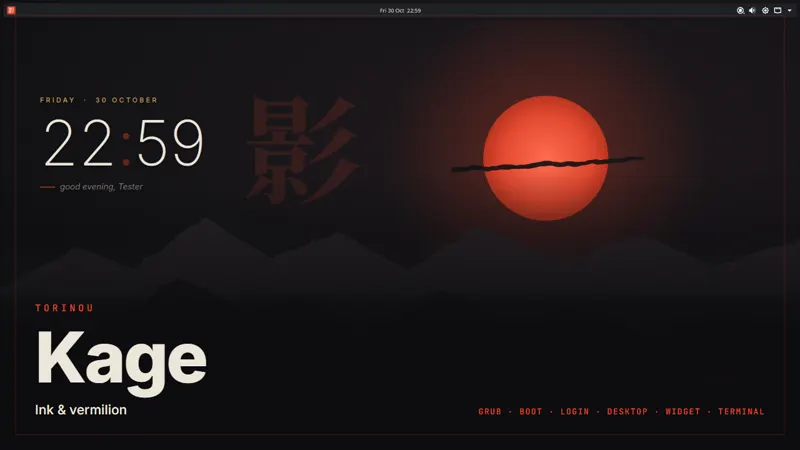 Ink & vermilion
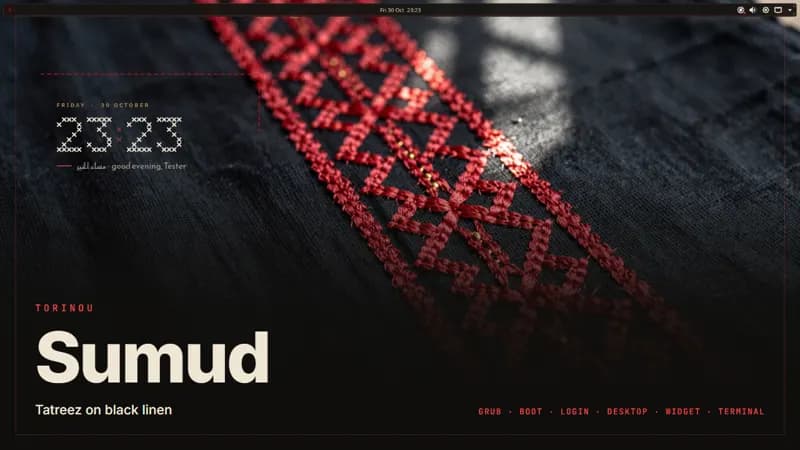 Tatreez on black linen
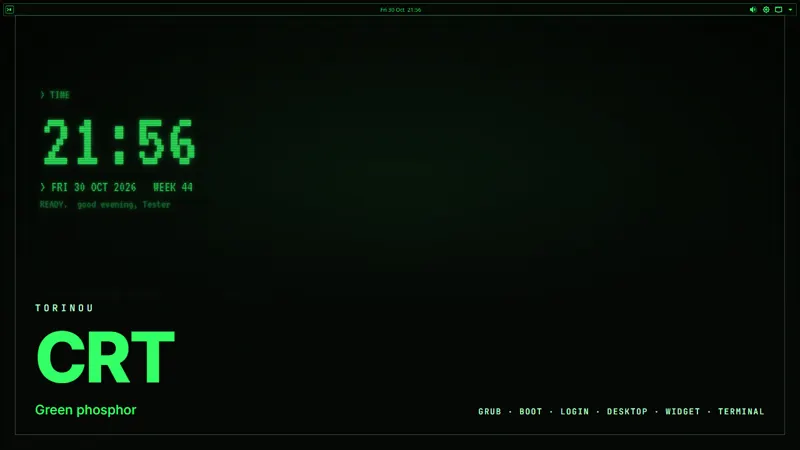 Green phosphor
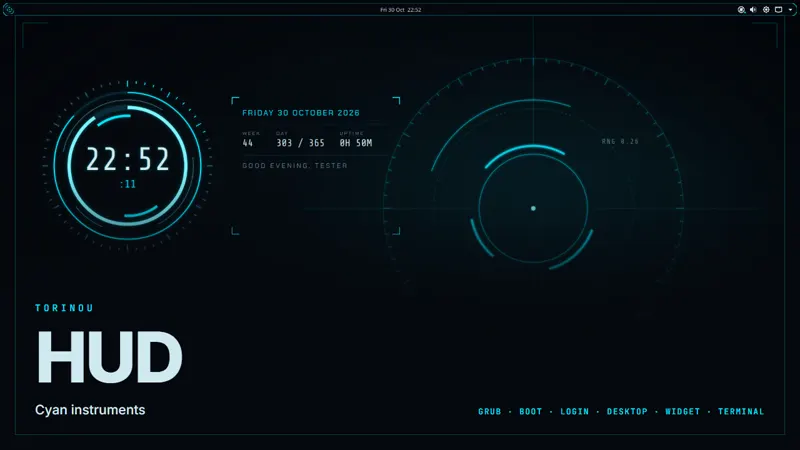 Cyan instruments
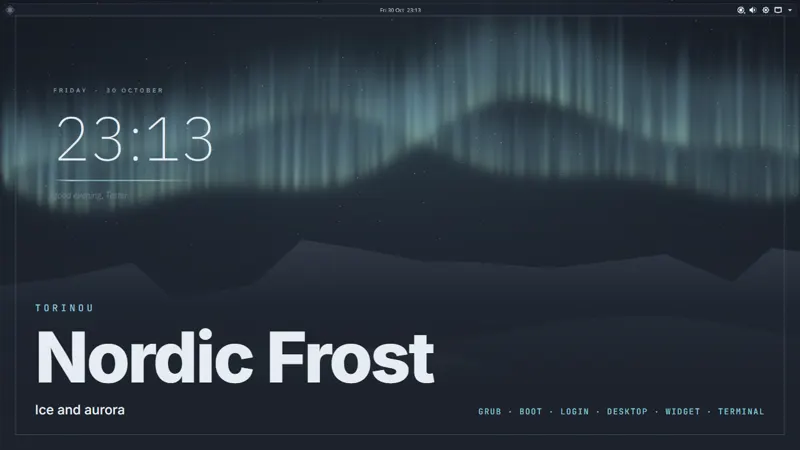 Ice and aurora
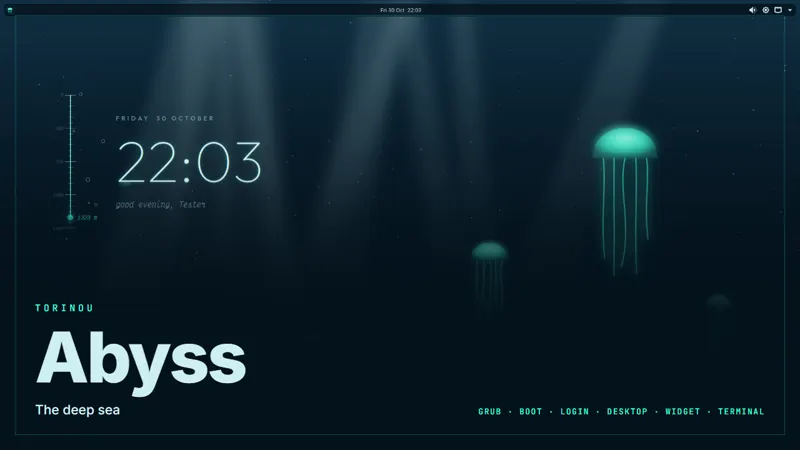 The deep sea
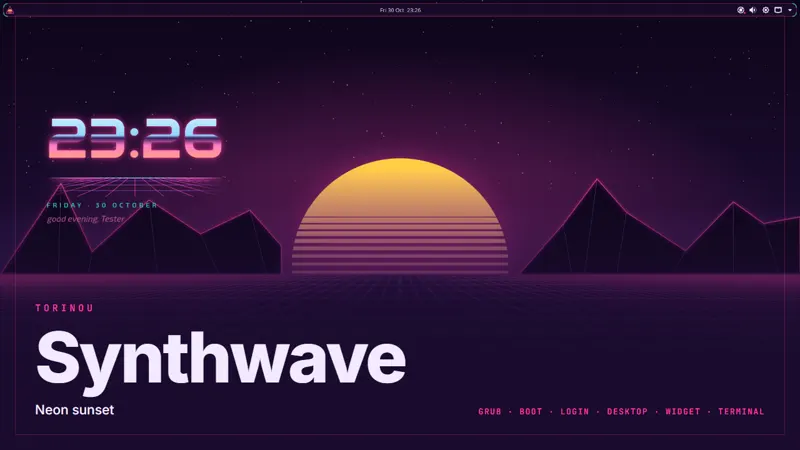 Neon sunset
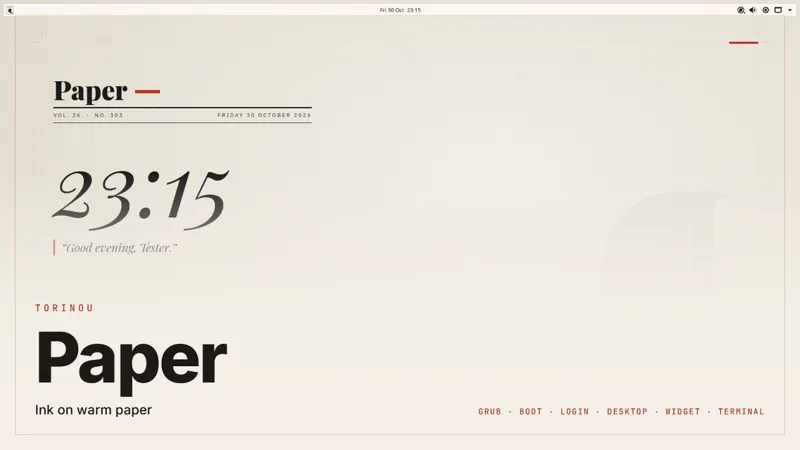 Ink on warm paper
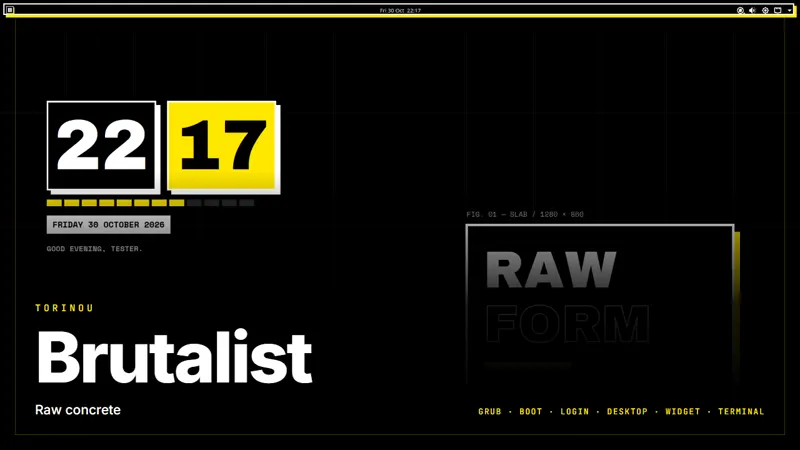 Raw concrete
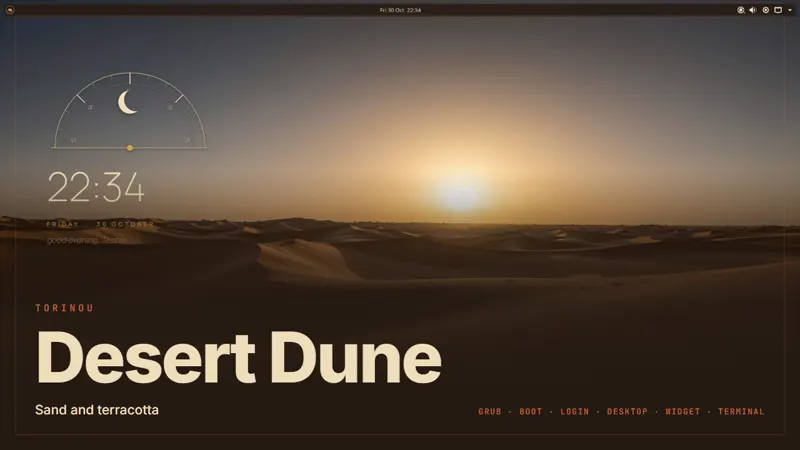 Sand and terracotta
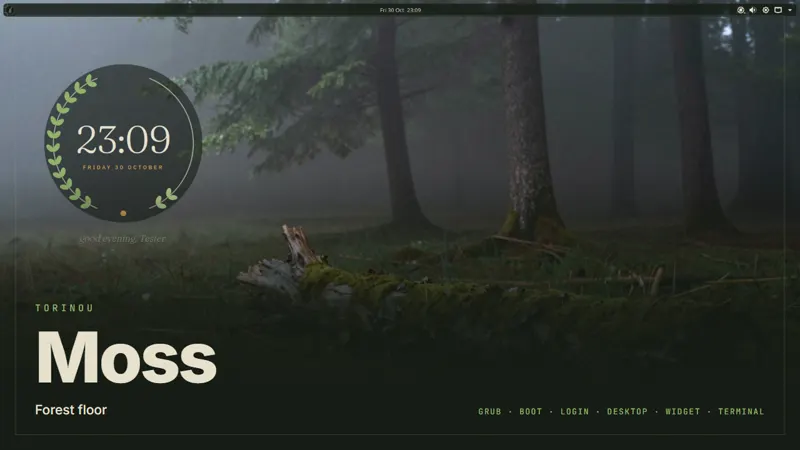 Forest floor
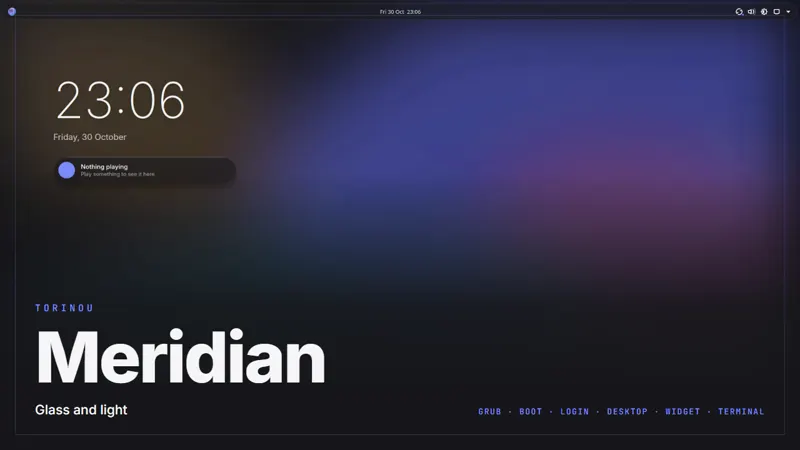 Glass and light
Fan themes
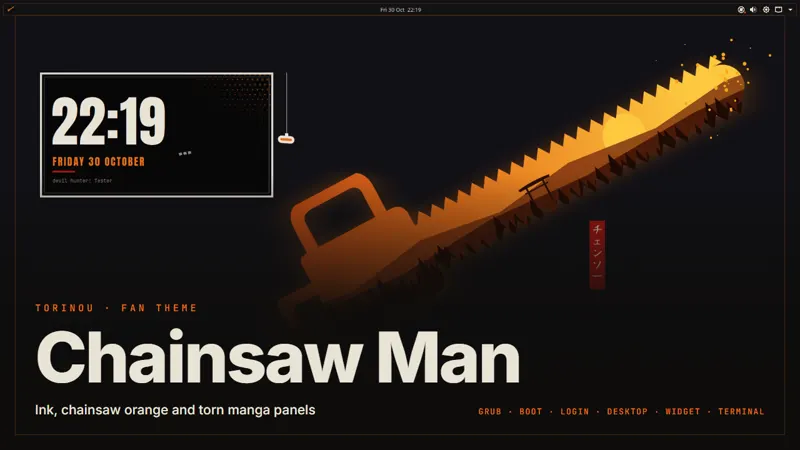 Ink, chainsaw orange and torn manga panels
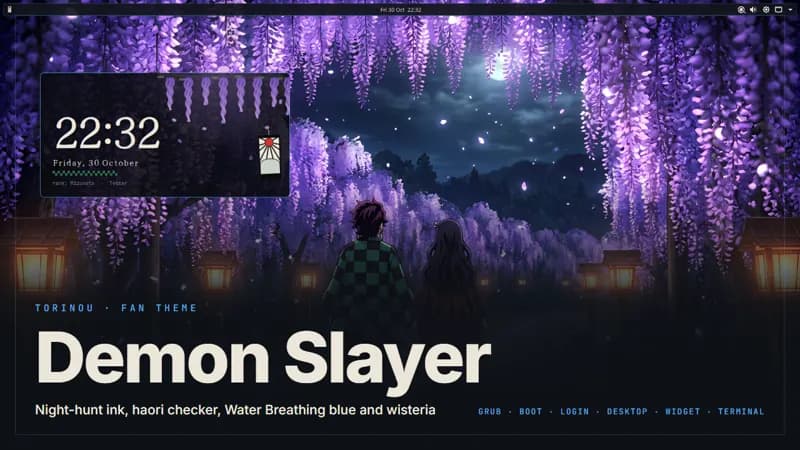 Night-hunt ink, haori checker and Water Breathing blue
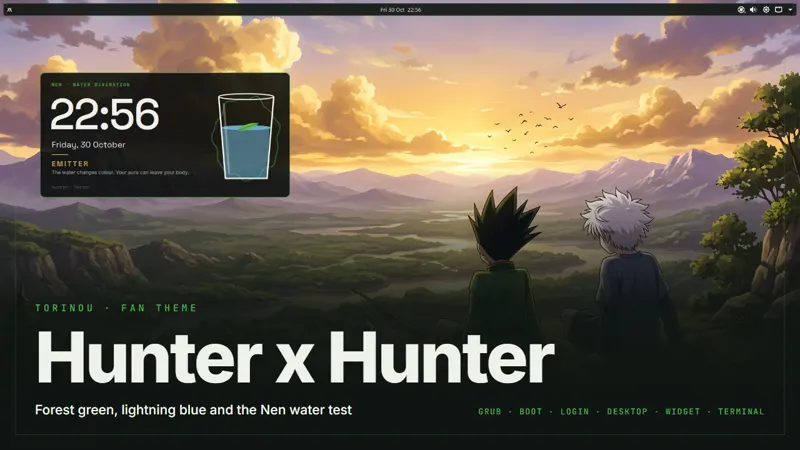 Forest green, lightning blue and the Nen water test
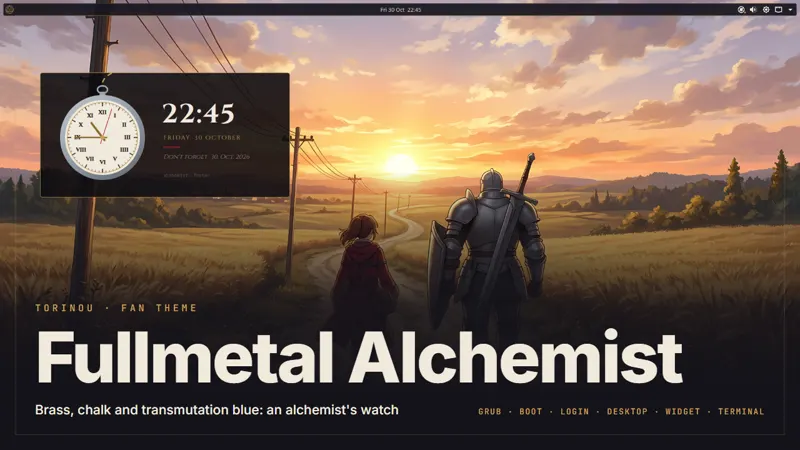 Brass, chalk and transmutation blue
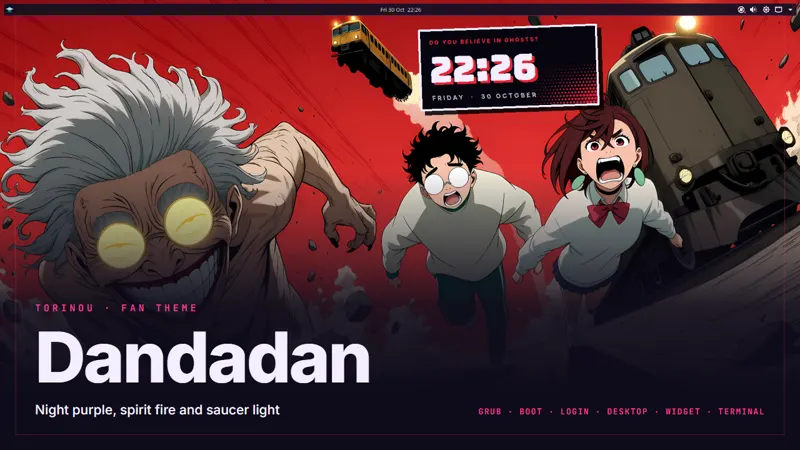 Night purple, spirit fire and saucer light
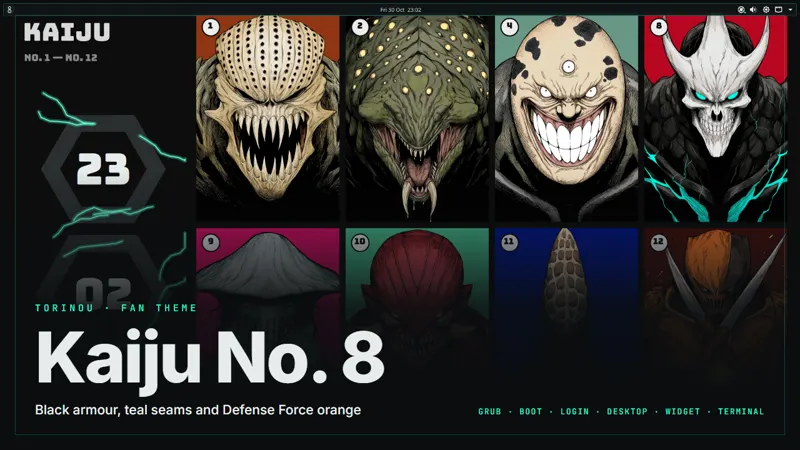 Black armour, teal seams and Defense Force orange
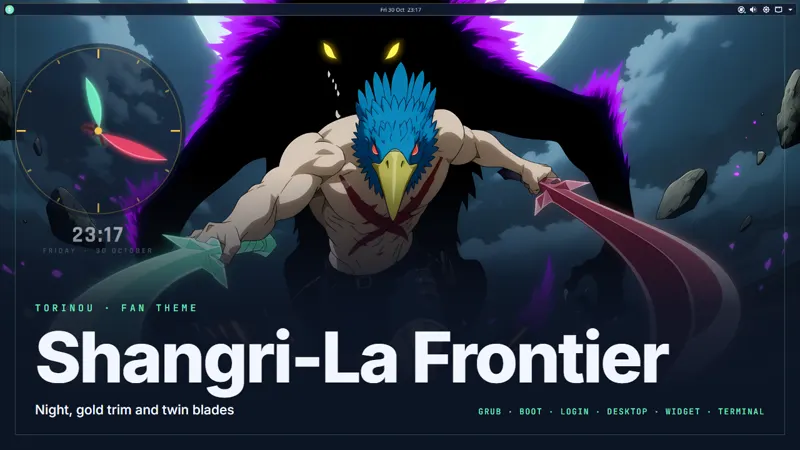 Night, gold trim and twin blades
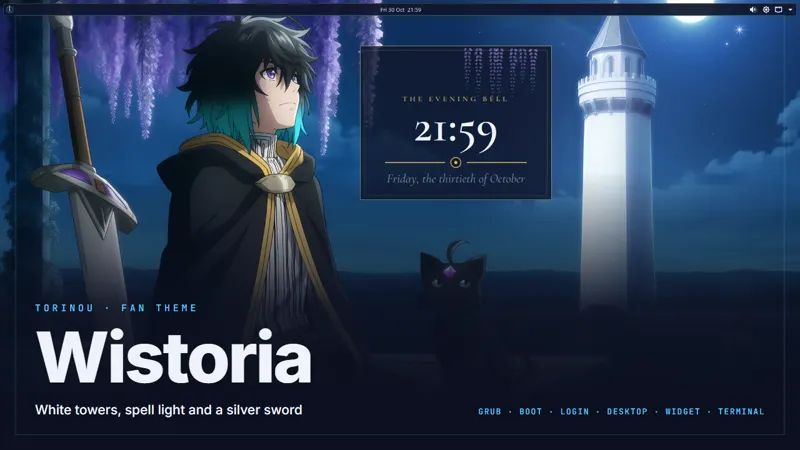 White towers, spell light and a silver sword
Fan themes are unofficial and fan-made. They aren't affiliated with or endorsed by the series' creators, publishers or studios, and include no official artwork.
See the whole store on GumroadGood to know
Which distros does it support?
Kubuntu 26.04, Ubuntu 26.04, Linux Mint, Fedora and Arch Linux. Every script was tested on real installs of those five. Other distros aren't supported yet. Ones built on Ubuntu, Fedora or Arch, like Pop!_OS or Manjaro, may partly work but were never tested, so run a script there at your own risk. Distros like Puppy Linux, EasyOS or openSUSE work differently, and the script won't run on them.
Is it free?
Yes. There's no account and nothing to pay, and the apps it installs are the normal versions from their usual sources.
What will the script change on my machine?
Only what you picked. Every line is on the page with a plain explanation before you download anything, and the file you run is exactly what you read.
How do I undo it?
Download the undo script too. The install script keeps a record of what it really changed, and undo reverses only that. Anything you already had stays, and it asks before removing an app.
Why do some AI tools run their maker's installer?
A few tools ship no package, so their maker's own installer is the official way to get them. The script says which ones, saves the installer first, and tells you who made it. Those lines run code from that company, so pick them only if you trust it.
Does anything leave my browser?
No. Your script is written on this page, on your device. The share link just holds your choices in the address.